
AI has worked its way into just about every work-related conversation and department at this point. Your boss and your boss’ boss probably want to know how you and your team are implementing it right now.
And, as many of you are likely well aware, the experiential design world has been a ripe testing ground for what AI can do in visual and design concepting.
Hence, the focus for this month's newsletter.
In this month’s newsletter, we asked a few people working directly in marketing and experiential design, along with our own TentCraft team, to help us answer three questions:
Where is AI creating the most value in the creative or concept-development process right now?
When an AI-generated concept needs to become a real-world activation, what challenges show up between the initial idea and something that can actually be designed, produced, or built?
What still needs to improve before AI can play a bigger role in taking experiential ideas from concept all the way through execution?
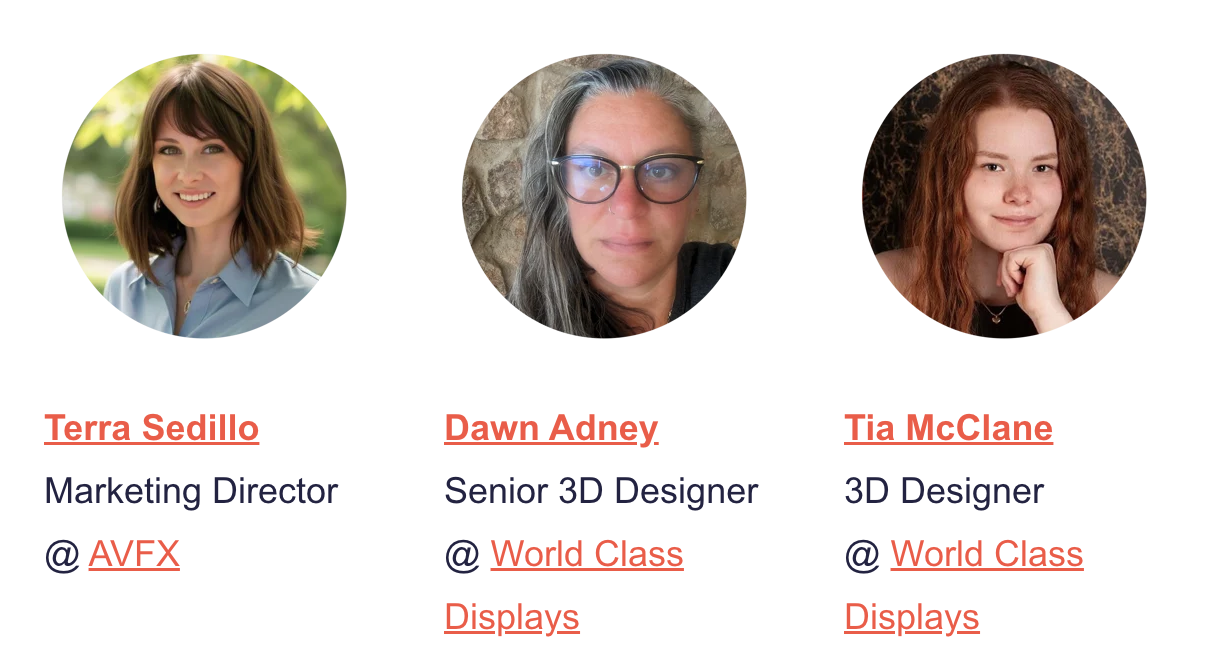
Thanks to our special guests this month!
*Want their full perspectives?
We’ve included the complete responses from Terra Sedillo, Dawn Adney, and Tia McClane for anyone who wants to read their responses without the narrative (scroll to the bottom).
AI and “Speed to Exploration”
One phrase from Terra Sedillo, Marketing Director at AVFX, stuck with us: “speed to exploration.”
“For me, the biggest value right now is speed to exploration. AI can shorten the distance between an idea in someone's head and something we can actually react to [...] we can get something in front of people much faster and start asking better questions.”
In fact, some version of that idea came up across all three interviews and in our own design team’s experience.
That speed has its advantages such as:
-
Moving clients and teams through the initial design stage faster, so conversations can shift sooner to goals, emotional resonance, and flow
-
Helping teams explore more design directions earlier, improving the odds of landing on a concept everyone feels good about investing in
“I don't necessarily want it giving us the final answer. I want it helping us explore more possibilities, earlier, so our designers, producers, technical teams, and clients can have a better conversation about what we're trying to create.”
— Terra Sedillo
That same idea showed up in practical ways for Dawn Adney and Tia McClane, both 3D Designers at World Class Displays.
They mentioned using AI to create temporary 2D graphics and visual elements within their 3D concepts as they build them.
Tia pointed out that most clients ultimately provide their own branded artwork, so spending a lot of time creating polished placeholder graphics often has limited long-term value.
In other words, generating temporary graphics with AI means more time focused on the parts of the design that actually shape the experience and digging into questions like:
-
Is the entrance inviting?
-
Can people move through the space comfortably?
-
Are the key products and messages easy to find?
-
Does the layout support the conversations or activities the client wants to encourage?
We’ve been experimenting with this early design stage at TentCraft as well.
One of our reps, Kyle Kendzicky, has been taking actual TentCraft product imagery, renderings from our website, and even simple drawings, feeding those into AI, and using them as the starting point for larger activation concepts. (See the video on YouTube)
The output is not treated as a finished design. It gives the customer and our team something concrete to react to, refine, and build from.
The Gaps Between an AI-Generated Concept & Production
AI-generated concepts are introducing two distinct challenges for experiential teams.
Gap #1: Interpretation
A polished AI image can become the client’s mental benchmark very quickly, even when nobody has yet decided which parts of that image are realistic, necessary, or worth preserving.
As Terra put it:
“I think we have to be really clear about the difference between inspiration and specification. An AI-generated image can be a fantastic creative target, but it isn't a production drawing. When something like that comes to an experienced creative or production team, one of the most important questions we can ask is: What is it about this image that you actually love?”
Dawn emphasized why that distinction is so important when working with clients:
“The challenge is that this can sometimes feel like a compromise to the client. They’ve already seen the idealized AI version, so anything we modify can feel like a lesser version of the original, even when the real-world solution may actually be a stronger design.”
Gap #2: Production
The image still has to survive contact with everything required to make an activation real:
"This is where the gap gets interesting because AI doesn't inherently understand the realities of producing an event.
It can create something visually incredible without understanding rigging, power, structural limitations, sightlines, venue constraints, available technology, labor, timelines, or budget."
— Terra Sedillo
And even once the physical design itself is feasible, there is another handoff we deal with at TentCraft: turning AI-generated imagery into production-ready artwork.
Our production artist, Gabrielle Edgcombe, regularly sees AI-generated imagery arrive as useful reference material, but not necessarily as artwork that can immediately be used for large-format production. (See the video)
At the scale we print, AI-generated images are not production-ready. Enlarging them results in pixelation, fuzziness, or artwork that simply cannot be used as-is. Our team then has to manually recreate it.
That recreation is rarely a perfect one-to-one match, which can lead to more revisions and a gap between what the customer first saw on screen and what can actually be produced.
Carrying an AI Concept Forward: Preserving the Ideas and Feelings
Once an AI concept starts running into real-world constraints, the next step is to distill what the client is reacting positively to.
“Is it the scale? The lighting? The immersion? The way content surrounds the audience? The architecture?”
– Terra Sedillo
Identifying that helps separate the creative intent from the exact form AI happened to generate.
Dawn described that role as:
“Translating what they responded to emotionally into something that can be designed and built. We must identify the elements they loved most and determine how we can preserve that vision while making it feasible.”
A client may be responding to how dramatic, immersive, premium, or inviting the concept feels rather than the literal geometry of the image. Once the team understands that, they have much more freedom to preserve the reaction while changing what needs to change for production.
Tia described the physical side of that translation.
“That might mean adjusting proportions, choosing a different material, or simplifying a feature so it can be fabricated and installed effectively. The finished booth may evolve quite a bit from the original image, but the goal is to preserve what excites the client.”
That gives experiential teams a useful framework when reviewing an AI-generated concept with a client:
-
What are you responding to most strongly in this image?
-
What absolutely needs to carry into the final design?
-
What can change without losing the idea or feeling you liked?
Those answers give the design and production teams a much clearer target to work toward.
How AI Needs to Evolve If It’s Going to Help Close the Gaps
For AI to play a bigger role beyond early concepting, our interviewees highlighted two capabilities it needs to be capable of:
-
Genuinely understand project context, including constraints and how production variables work together
-
Give more control to designers once the process is underway
It Needs to Better Understand What the Project Requires
Terra described the next big step as context.
“AI is already very good at answering: ‘What could this look like?’
The more useful question for experiential teams is: ‘Given everything we know about this project, what could we actually build?’”
That means AI needs to become better at working with the full realities of a project, not just the visual brief.
Dawn’s answer points to a closely related need: industry-specific understanding that current tools lack.
“There are so many variables in our industry, different construction systems, materials, extrusions, fabrication methods, venues, and show regulations that a general AI tool can only take you so far.”
Dawn also sees a practical bridge teams can use right now: prompts and guardrails developed by people who understand the experiential and trade show industry.
That could mean giving AI explicit direction around things like:
-
Available structural systems
-
Material or fabrication limitations
-
Venue and show requirements
-
Installation considerations
-
Non-negotiable project constraints
That gives the tool a more informed starting point while the technology itself continues to improve.
It Needs To Offer More Control To Designers Throughout the Process
Tia McClane said she'd also like to see several design-specific features that would make AI more useful.
Once a concept has direction and client approval, designers need AI to behave more predictably.
That means being able to:
-
Lock an approved layout
-
Change one element without everything else shifting
-
Replace temporary graphics with final client artwork
-
Carry approved assets through revisions
-
Identify missing content
-
Flag outdated logos
-
Catch inconsistencies across booth graphics
-
Export in multiple file formats
“I’d also like to be able to lock an approved layout, adjust one element, and trust that everything else will stay consistent.”
That vision is less flashy than asking AI to generate an entire activation from a prompt, but it could be more valuable to working designers.
She also pointed to a few workflow improvements that would make AI more useful to designers like her:
“Better integration with the design tools I already use, making it easier to replace temporary graphics with final client artwork and carry approved assets through revisions. Even help with routine checks, such as identifying missing content, outdated logos, or inconsistencies across booth graphics, would save time and reduce unnecessary rework.”
AI Has Made It Easier to Imagine. Building Is Still the Hard Part.
Terra summed up the tension running through these conversations particularly well:
“AI has lowered the cost of imagining something. It hasn't lowered the complexity of building it.”
Across our interviews and our own experiments, that feels like the clearest takeaway.
AI is already helping teams explore ideas faster. The opportunity now is making those concepts more grounded and giving designers more control as the work moves toward production.